If you’re looking for Leadinfo alternatives, you’re likely running into one of three issues, incomplete visitor identification, lack of contact-level data, or slow follow-up workflows.
In Leadinfo’s case, the core flow is IP → company → basic insights
But in outbound, that’s not enough.
I’ve used it in a setup where we were tracking pricing page visits.
We could see the company, but:
no reliable decision-maker to contact inconsistent identification across visits limited ways to instantly trigger outreach So high-intent traffic sat idle.
That shows up in reviews too:
Easy setup and intuitive interface But person identification isn’t consistent Support is slow during urgent issues So if you’re searching for Leadinfo alternatives, this guide focuses on tools that go beyond identification.
It helps you move from visitor → contact → outbound execution .
Top LeadInfo Alternatives in 2026: Quick Overview Here are the top 5 Leadinfo alternatives in 2026:
Leadsforge - Best for turning visitor intent into actual leads.Leadfeeder (Dealfront) - Ideal for accurate company-level visitor identification with strong filtering and CRM integrations.ZoomInfo - Great for combining visitor tracking with a massive B2B contact database and intent data.Warmly - Best for real-time visitor and individual-level identification with built-in outreach workflows.6sense - Ideal for advanced intent data and account-based targeting beyond basic visitor tracking.How I Evaluated These Leadinfo Alternatives? To make this list useful, I focused on what actually matters after a visitor hits your site.
Can you identify them, find the right contact, and act on it fast?
Here’s how I evaluated Leadinfo alternatives:
Accuracy of company identification (how often it actually resolves visitors) Contact-level data (decision-makers, emails, not just company names) Depth of intent signals (pages viewed, frequency, buying signals) Speed of follow-up (real-time alerts, triggers, workflows) Ease of use in day-to-day workflows CRM and outbound integrations Data reliability (noise, duplicates, missing info) These checks helped filter tools that don’t just track visitors, but help you actually do something with them.
Why Should You Look For a Leadinfo Alternative? Leadinfo is a good starting point.
It shows which companies visit your site and how they behave.
When I first used it, the data looked useful:
pages visited repeat visits basic intent signals It helped spot which companies were active.
But once I tried to use it for outbound, gaps showed up.
1. Important features cost extra: This was frustrating.
Things you actually need, like automated outreach and advanced lead capture, are not included.
They’re add-ons.
So the real cost ends up higher than expected.
2. Only company-level data: This was the biggest issue for me.
I could see which company visited
But not who inside that company to contact.
So I still had to use another tool to find decision-makers.
3. No free plan: I couldn’t test it properly without paying.
There’s a 14-day trial, but after that:
you’re pushed to a paid plan key features are limited in lower tiers For small teams, that’s a blocker.
4. Data isn’t always reliable: Sometimes visitors weren’t identified, or companies were misattributed.
Since it relies on IP matching, it’s not always accurate.
Leadinfo helps you understand traffic.
But it doesn’t always help you act on it fast .
That’s why I started looking for alternatives that:
give contact-level data improve accuracy and make follow-up faster Here are the top 10 LeadInfo alternatives in 2026.
10 Best LeadInfo Alternatives in 2026: Quick Comparison
Tool
Best For
Core Strength
Data Level
Intent Signals
Leadsforge
Finding + enriching leads
ICP search + enrichment
Contact-level
Yes (multi-source)
Leadfeeder
Visitor tracking
Filtering + CRM workflows
Company + some contacts
Yes
ZoomInfo
Enterprise prospecting
Large B2B database
Contact + company
Yes
Warmly
GTM orchestration
Person-level signals
Person + account
Yes
6sense
Intent prediction
AI account scoring
Account-level
Yes
Lead Forensics
High-volume tracking
IP matching engine
Company-level
Website behavior
Clearbit
Data enrichment
CRM enrichment
Contact + company
Limited
Albacross
Tracking + outreach
Auto-engagement
Company + limited contacts
Yes
Common Room
Signal aggregation
Multi-source signals
Person + account
Yes
Cognism
Contact accuracy
Verified data
Contact-level
Yes
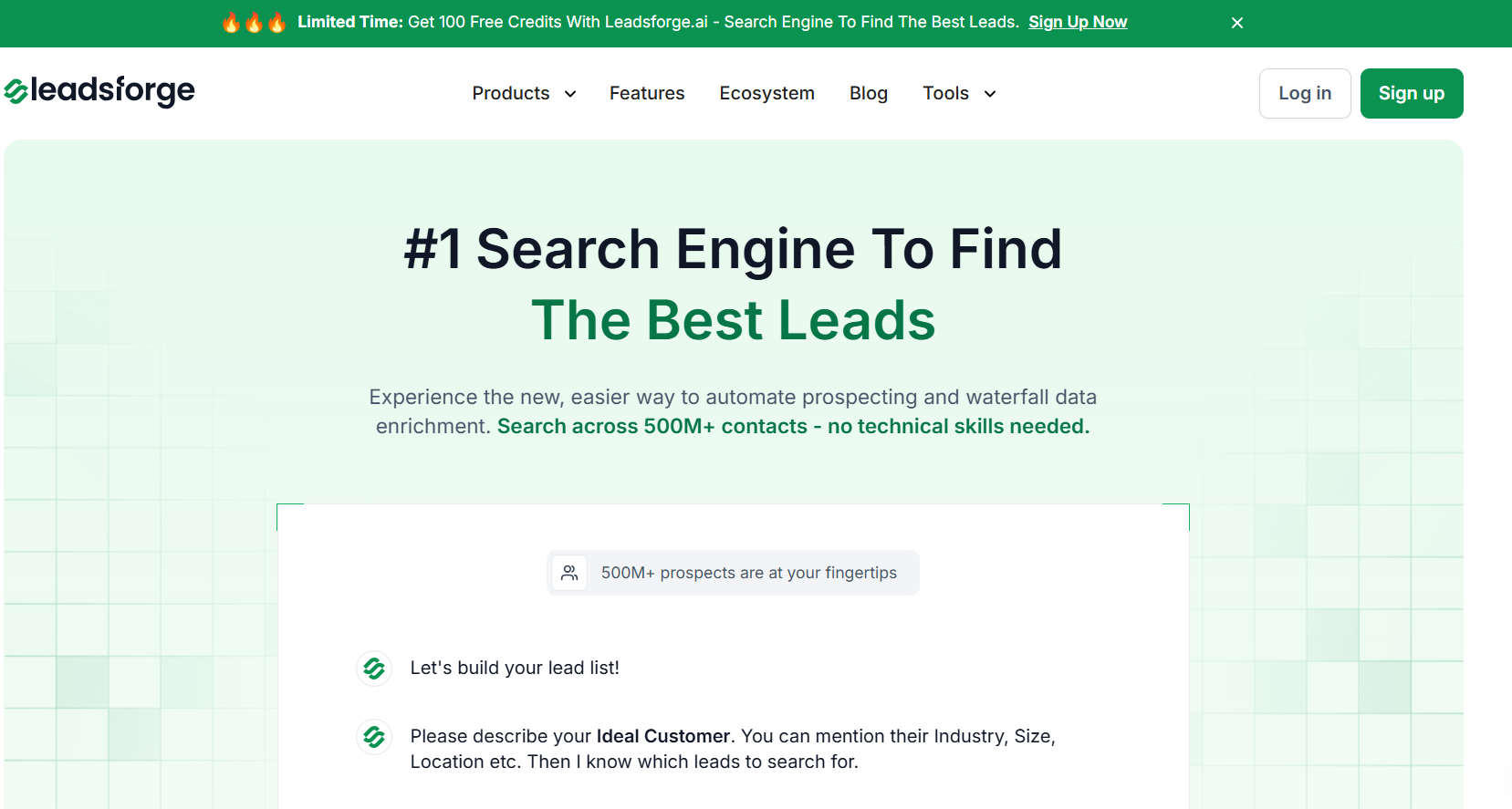
1. Leadsforge - Best for turning visitor intent into actual contacts This image shows the Leadsforge homepage Leadsforge works like a search engine for B2B leads.
When I used Leadinfo, I could see which companies were visiting my site.
But I still had to do the hard part manually, find the right people, and reach out.
Leadsforge fixes that exact gap.
Instead of focusing on “who visited your site”, it focuses on, “who should you contact right now based on your ICP and intent”
You describe your ideal customer in plain words, and it:
finds matching companies pulls decision-makers enriches emails, LinkedIn, phone numbers and gives you a ready-to-use list Under the hood, it uses multiple data sources and waterfall enrichment to improve match rates.
So if one source fails, it keeps searching until it finds usable data.
What stood out to me is how fast you can go from idea to list to outreach.
With Leadinfo, you identify a company and then switch tools to find contacts
With Leadsforge, you skip that step entirely.
You can also layer in:
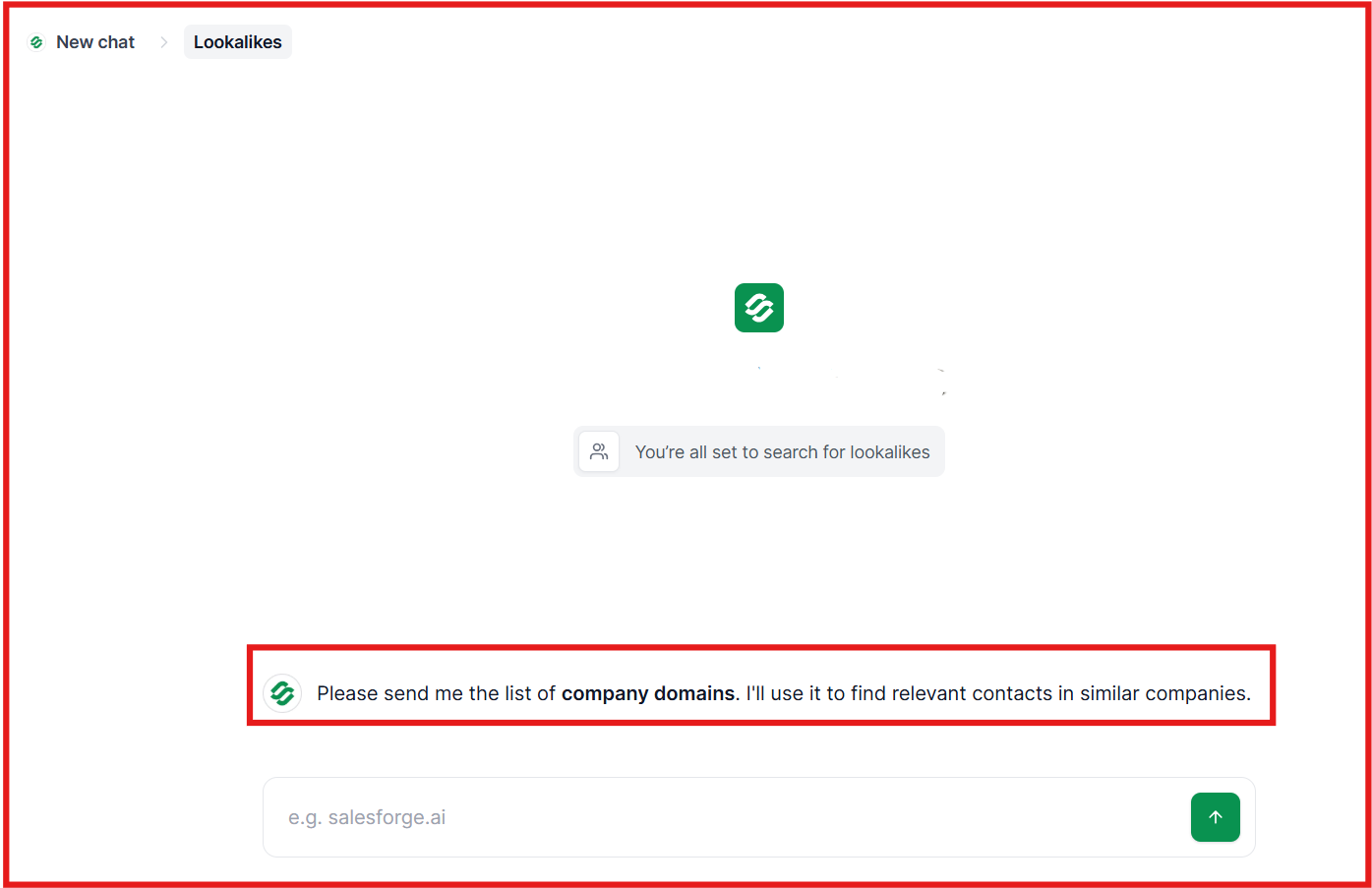
intent signals (hiring, growth, activity) lookalikes and follower data This image shows the Find lookalike audience with Leadsforge CSV enrichment for existing lists So instead of just tracking interest, you’re actively building pipeline.
That’s the real difference.
Leadinfo helps you see demand, but Leadsforge helps you act on it immediately.
Leadsforge vs LeadInfo: Quick Comparison
Feature
Leadsforge
Leadinfo
Core use case
Find + enrich + act on leads
Identify website visitors
Data level
Contact-level (emails, phones, LinkedIn)
Mostly company-level
Intent signals
Yes (custom signals, triggers)
Yes (website behavior)
Lead generation
Yes (ICP search, lookalikes, followers)
Limited
Data enrichment
Waterfall enrichment (multi-source)
Basic
Outreach readiness
Direct export to outreach tools
Requires extra steps
Ease of use
Chat-based, simple
Dashboard-based
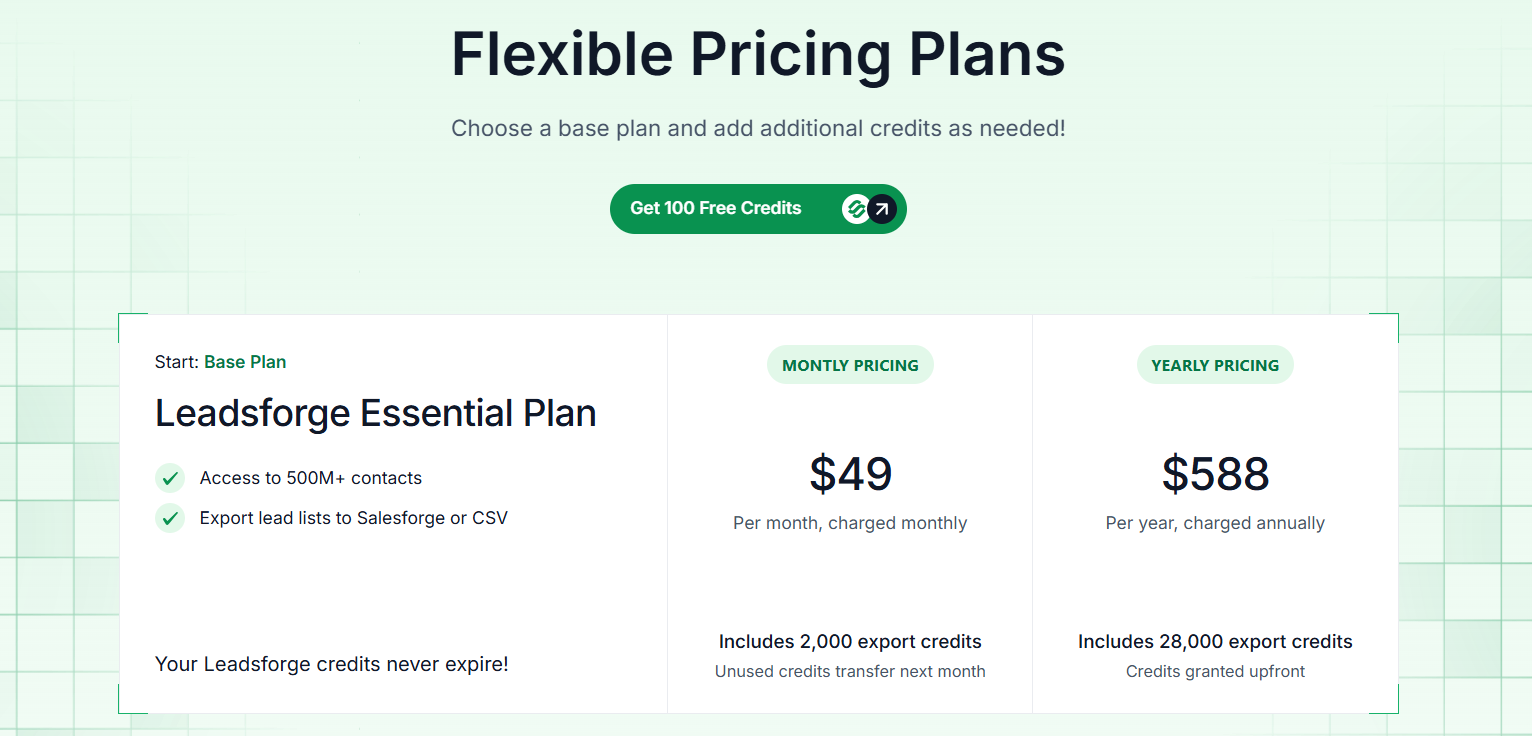
Pros of Leadsforge Finds actual decision-makers, not just companies Chat-based search makes prospecting fast Waterfall enrichment improves data accuracy Includes intent signals and qualification Exports directly to tools like Salesforge Credits don’t expire Cons of Leadsforge Credit-based pricing (needs planning if scaling fast) Not a website tracking tool (doesn’t replace Leadinfo 1:1) Works best when paired with an outreach tool Leadsforge Pricing This image shows the Leadsforge pricing Leadsforge offers 100 free credits to get started.
The paid plan starts at $49/month with 2,000 credits, and you can add more anytime.
That means:
1 email ≈ 1 credit 1 LinkedIn ≈ 1 credit 1 phone ≈ 10 credits For example, if you generate:
1,000 email leads → ~1,000 credits 200 leads with phones → ~2,000 credits You’ll usually stay within or slightly exceed the base plan depending on how much data you pull.
Personalized Outbound Strategy
Get The Right Outbound Strategy In Minutes
Enter your email to get a custom plan & stack recommendation for your
business
It's being carefully crafted by AI
Please check your mailbox in 5 minutes
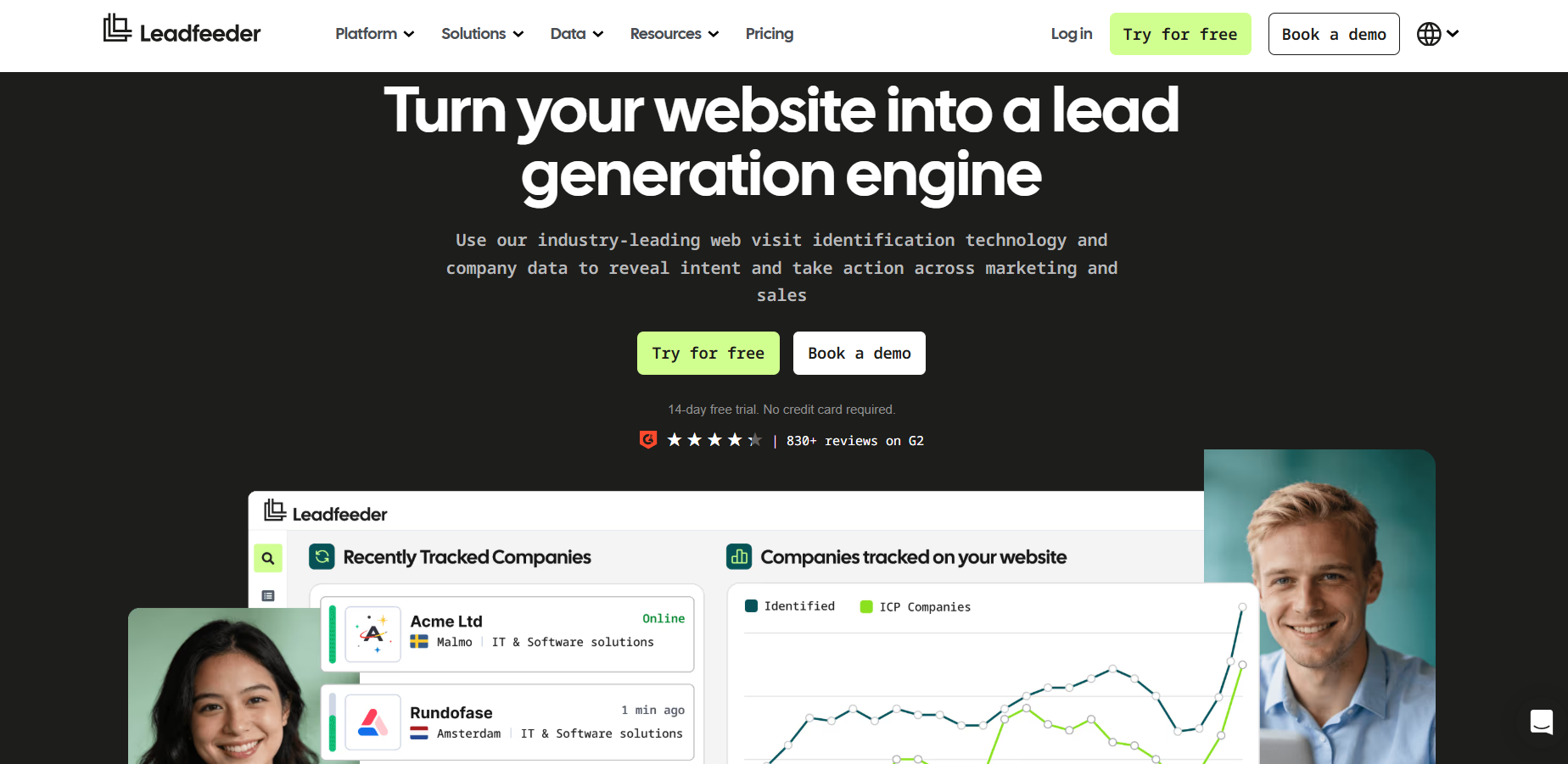
2. Leadfeeder (Dealfront) - Better for company-level tracking with more depth This image shows the Leadfeeder homepage If you’re already using Leadinfo, Leadfeeder will feel familiar, but more structured.
It solves the same core problem, identifying which companies visit your website
But the difference is in how much you can do after that.
With Leadinfo, I mostly used it to see visitor activity.
With Leadfeeder, I could actually:
filter companies based on ICP track long-term visitor behavior prioritize accounts based on intent push data directly into CRM workflows It still relies on company-level identification (IP-based), just like Leadinfo.
But it adds more depth in terms of, filtering, scoring, and integrations.
So instead of just seeing traffic, you can organize and act on it better.
Also, it now sits under Dealfront, which means, access to a larger database, and better enrichment.
Leadfeeder vs LeadInfo: Quick Comparison
Feature
Leadfeeder
Leadinfo
Core use case
Website visitor identification + lead prioritization
Website visitor identification
Data level
Company-level + some contacts
Mostly company-level
Intent signals
Yes (behavior + filters)
Yes (basic behavior)
Filtering
Advanced ICP + firmographic filters
Basic filtering
Database
60M companies + 400M contacts
Smaller dataset
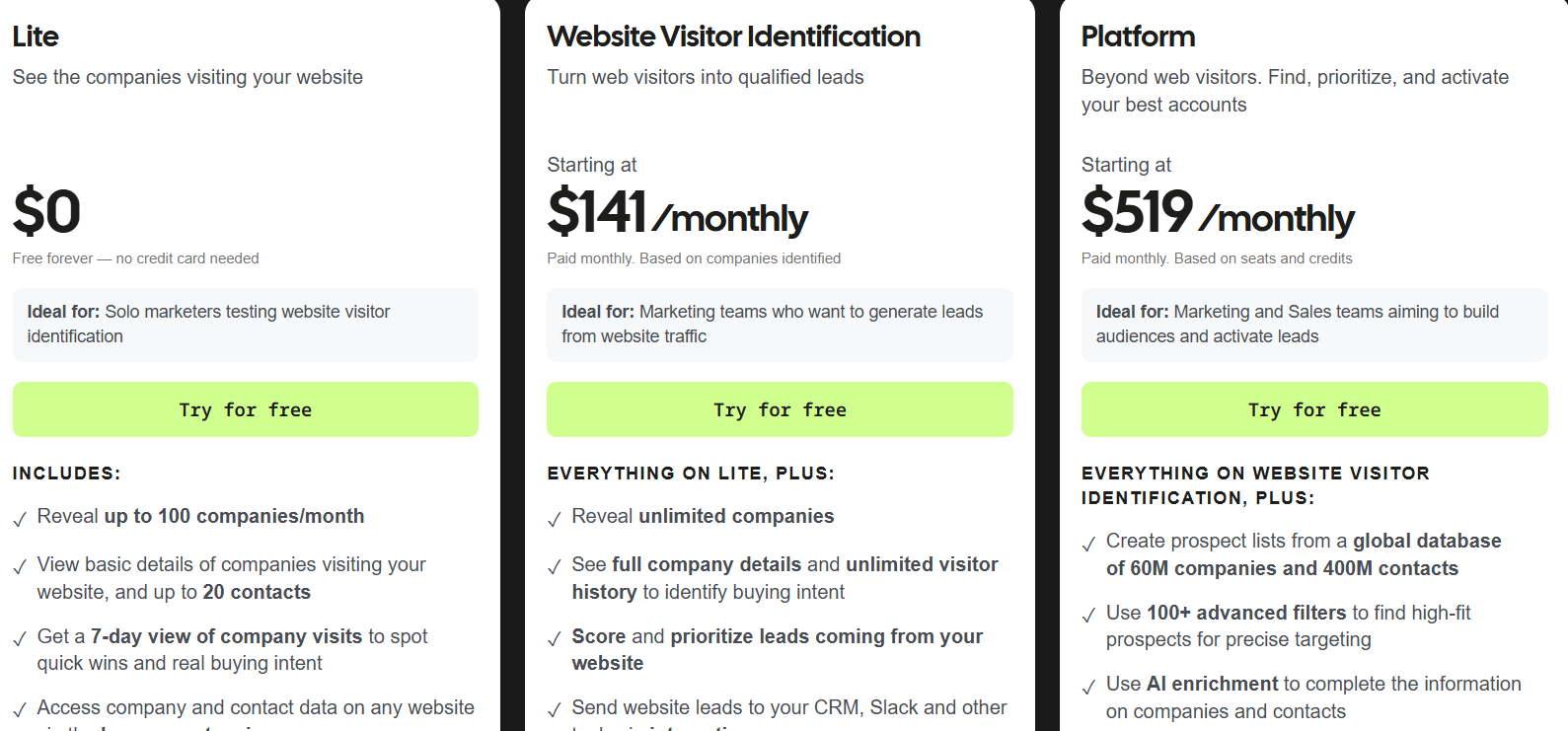
Pros of Leadfeeder More advanced filtering and segmentation Better CRM integrations and workflows Access to large B2B database (via Dealfront) Helps prioritize high-intent accounts Cons of Leadfeeder Still mostly company-level (not full contact coverage) Pricing increases as usage grows Can feel complex for small teams Requires setup to get full value Leadfeeder Pricing This image shows the Leadfeeder pricing Leadfeeder starts with a free plan, which I liked because you can actually test it properly.
Free → limited company reveals Paid → starts around $141/month Higher tiers → go $500+/month with full database access What I noticed is that pricing scales based on:
how many companies you identify how much data and features you unlock It’s fair pricing if your strategy is to “turn website traffic into pipeline.”
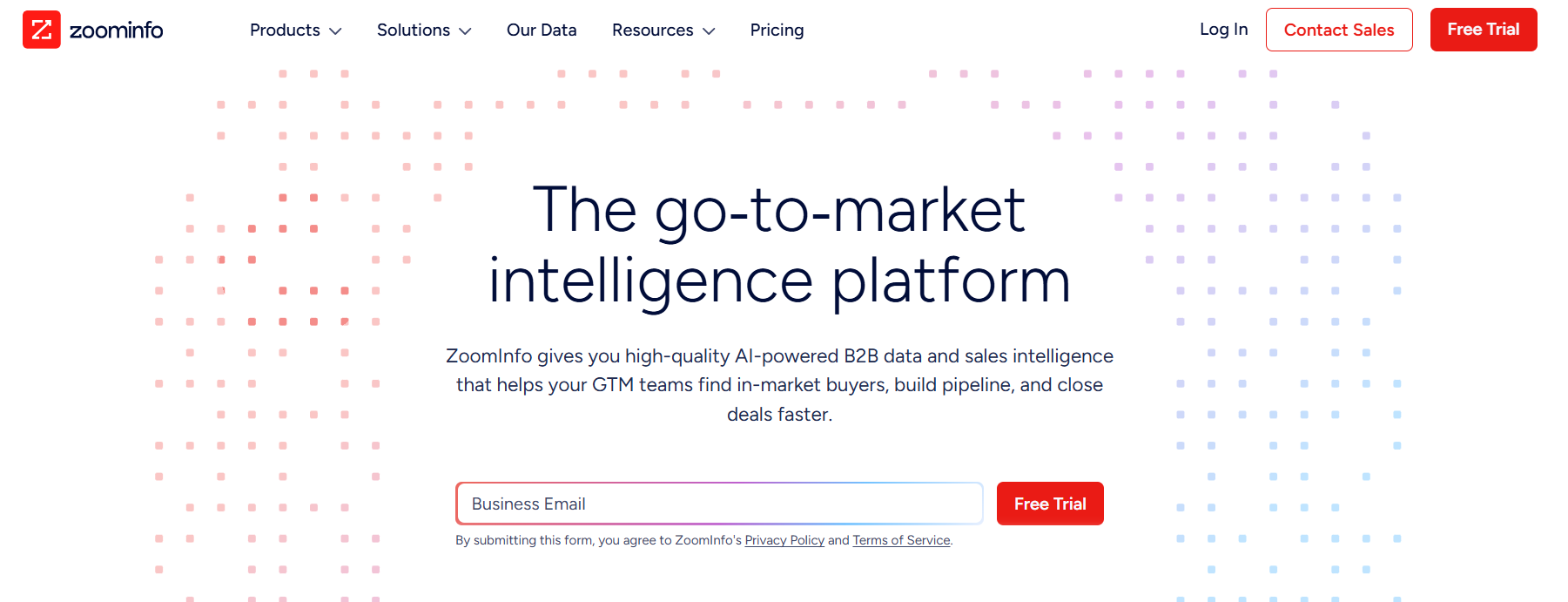
3. ZoomInfo - Best for large outbound teams that need data at scale This image shows the ZoomInfo homepage ZoomInfo is a B2B database tool.
You use it to find companies and contacts directly, not just track visitors.
When I used Leadinfo, my workflow looked like this:
see a company visit then go find contacts somewhere else With ZoomInfo, I skipped that step. I could:
search companies using filters (industry, size, location) pull decision-makers (job title, seniority) get emails and phone numbers and build lists in bulk It’s built for volume.
For example, if I want, “VP Sales in SaaS companies (50–200 employees in the US),” I can get a full list instantly and start outreach.
That’s the key difference.
You’re not waiting for inbound signals.
You’re actively building your pipeline.
But this also means, It’s heavier, more expensive, and built for teams doing serious outbound.
ZoomInfo vs LeadInfo: Quick Comparison
Feature
ZoomInfo
Leadinfo
Core use case
B2B data + prospecting platform
Website visitor tracking
Data level
Contact + company data
Mostly company-level
Intent signals
Yes (real-time buyer intent)
Yes (website behavior)
Lead generation
Yes (database + filters)
Limited
Outreach readiness
Yes (integrations + workflows)
Limited
Scale
Built for large teams
SMB to mid-market
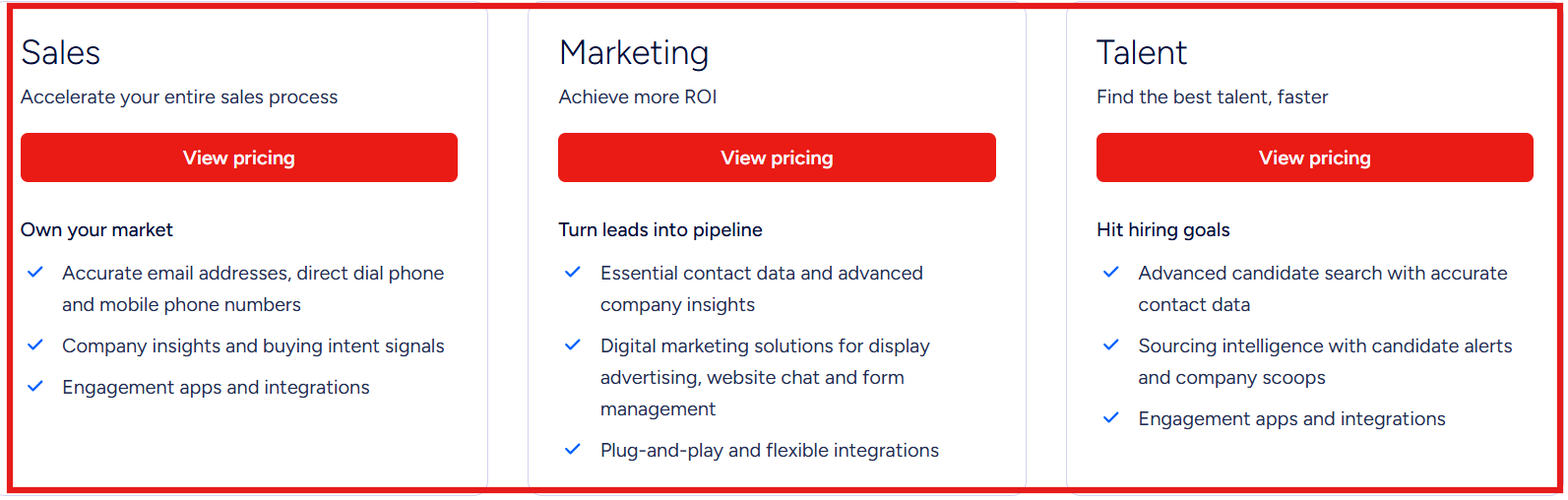
Pros of ZoomInfo Strong intent data and signals Built for outbound at scale Works well with CRM and workflows Cons of ZoomInfo Expensive for small teams Can feel complex to use Requires setup and training Pricing is not transparent ZoomInfo Pricing This image shows the ZoomInfo pricing ZoomInfo does not show fixed pricing publicly.
Pricing depends on:
number of users (licenses) credits (data exports) features and add-ons From my experience, it’s powerful, but not cheap.
It works best if you run high-volume outbound.
If you’re a small team, it can feel heavy.
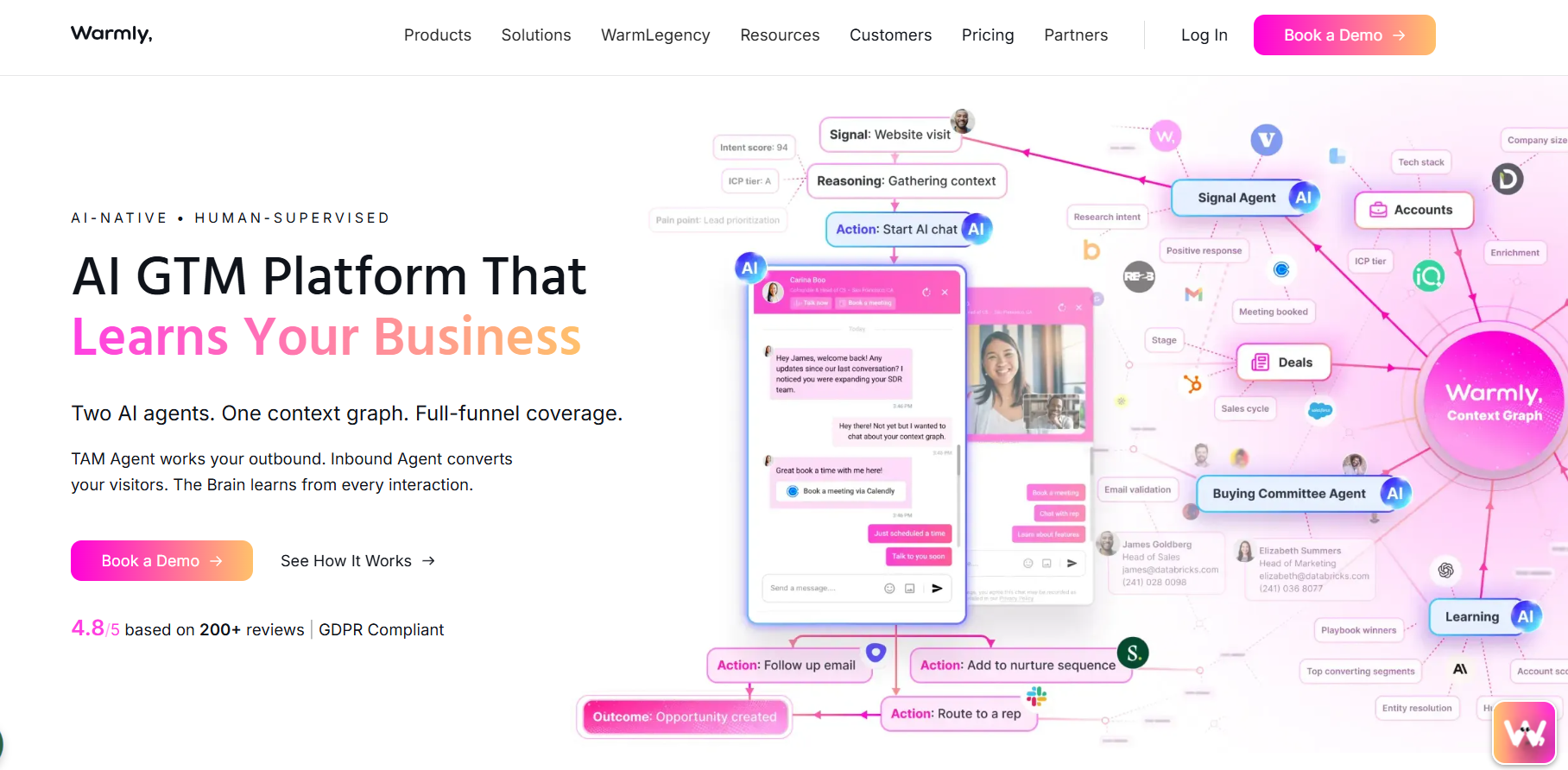
4. Warmly - Ideal for teams that want pipeline without manual work This image shows the Warmly homepage Warmly is a full GTM platform that identifies, scores, and engages buyers automatically.
Instead of giving you a list of visitors or leads, it watches what’s happening across your pipeline and reacts to it.
For example:
if someone visits your pricing page multiple times or engages with your content or shows buying signals across channels Warmly doesn’t just show that. It:
identifies the person decides what to do next and triggers actions automatically That could be, starting a chat on your site, alerting your sales team, or sending a follow-up.
The interesting part is that everything shares the same context.
Warmly vs LeadInfo: Quick Comparison
Feature
Warmly
Leadinfo
Core use case
Identify + engage + convert leads
Identify website visitors
Data level
Person-level + company
Mostly company-level
Intent signals
1st, 2nd, 3rd party (real-time)
Website behavior only
Engagement
AI chat + email + routing
Limited
Automation
High (AI agents act automatically)
Low
Use case
Full GTM execution
Visitor tracking
Pros of Warmly Person-level identification (not just company) Real-time intent signals across multiple sources Automatically engages visitors (chat, email, routing) Combines inbound + outbound in one system Reduces need for multiple tools Cons of Warmly Expensive (starts high for most teams) More complex than simple tracking tools Requires setup to get full value Overkill if you only need basic visitor tracking Warmly Pricing This image shows the Warmly pricing Warmly pricing is not low-cost.
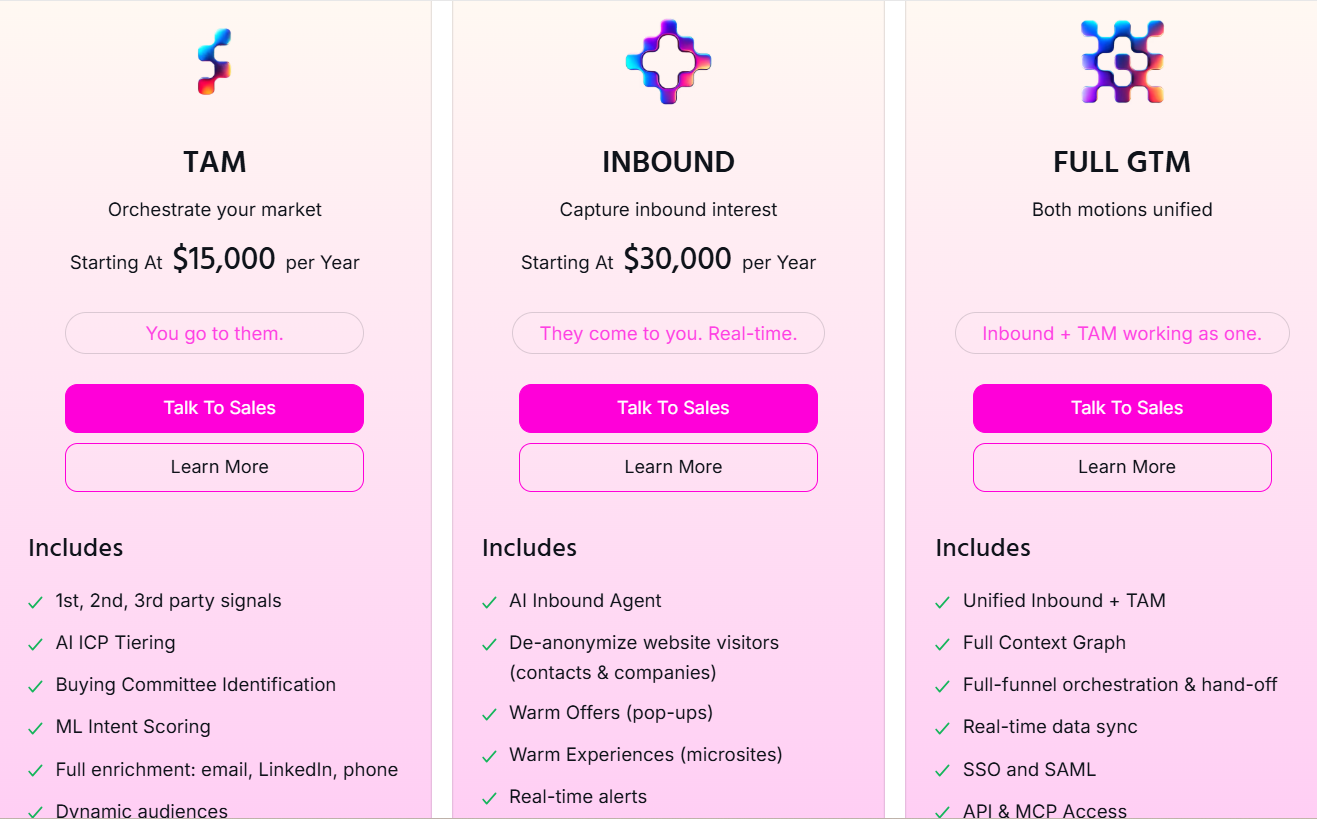
Starts around $15K/year (outbound) $30K/year for inbound Higher for full setup This pricing only makes sense if you’re replacing multiple tools and workflows.
If your setup today includes:
intent tools chat tools enrichment tools outbound tools Then Warmly can consolidate that.
But if you just need visitor identification, it’s too heavy and expensive for that use case.
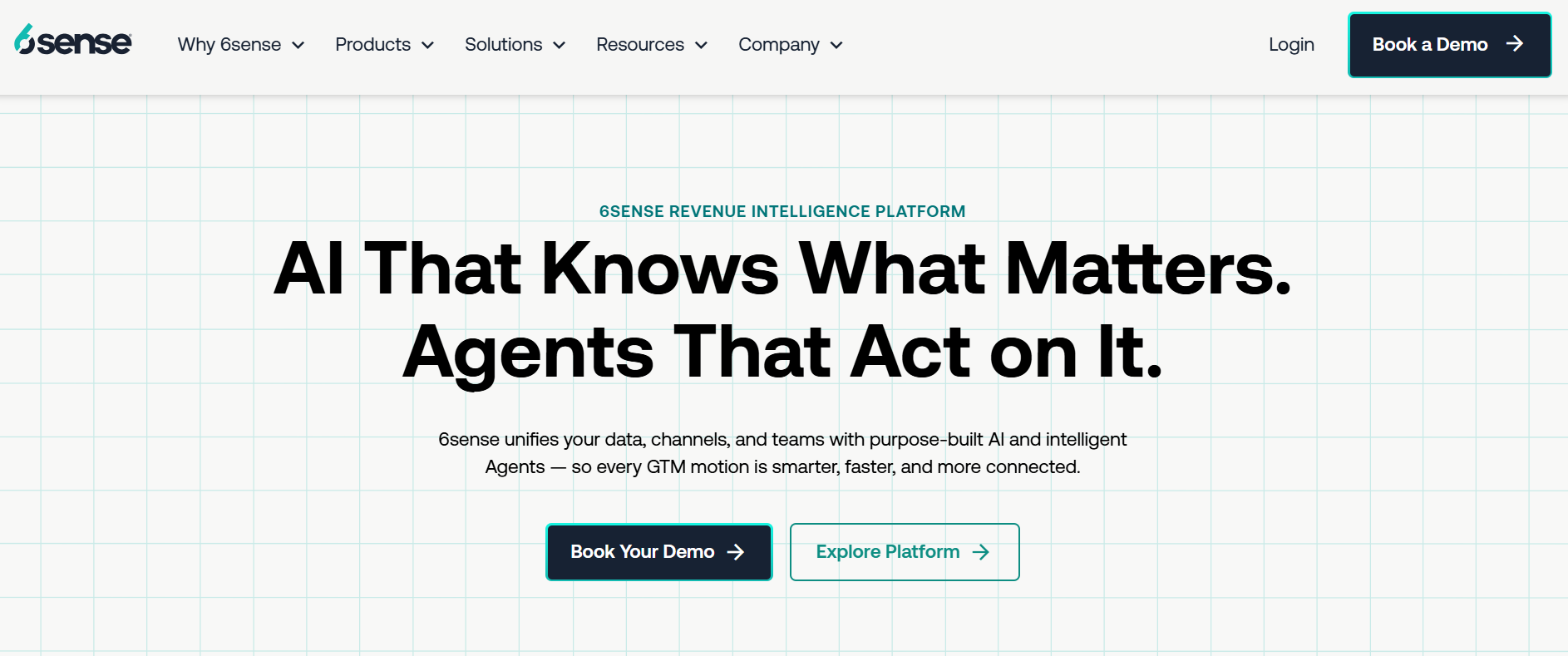
5. 6sense - Built for predicting who will buy before they reach you This image shows the 6sense homepage 6sense is a revenue intelligence platform.
It tries to tell you who is likely to buy, even before they visit your site.
The biggest difference was it doesn’t start from traffic or lists.
It starts from signals happening across the internet. 6sense tracks things like:
what companies are researching what topics they are reading how their buying behavior is changing Then it uses AI to:
score accounts predict buying stage and tell you when to reach out So instead of reacting to activity, you’re working ahead of it.
It also connects data, intent signals outreach workflows, in one place.
This means sales and marketing are not guessing anymore.
They’re prioritizing accounts based on actual buying signals.
6sense vs LeadInfo: Quick Comparison
Feature
6sense
Leadinfo
Core use case
Predictive intent + revenue intelligence
Website visitor tracking
Data level
Company + contact + intent signals
Mostly company-level
Intent signals
Multi-source (large-scale)
Website behavior only
Timing
Predicts before visits
Tracks after visits
Automation
High (AI-driven workflows)
Limited
Use case
Enterprise GTM strategy
Simple lead tracking
Pros of 6sense Combines multiple signals (web, intent, CRM) into one view Prioritizes accounts using AI scoring, not guesswork Helps sales focus only on high-intent accounts, not cold lists Cons of 6sense Mostly account-level data, not always clear who the exact buyer is Intent signals can sometimes feel broad or noisy Takes time to set up and actually see results Needs a proper RevOps setup to use it well No built-in way to engage instantly (like chat or direct conversion) 6sense Pricing 6sense does not show pricing publicly.
You need to talk to sales.
From what I’ve seen, it usually starts around $30K–$50K/year and goes much higher for full setup.
You’re paying for:
predictive data intent signals full GTM system It makes sense if you run ABM or large outbound teams
If you just need leads or visitor tracking, it’s too expensive for that use case.
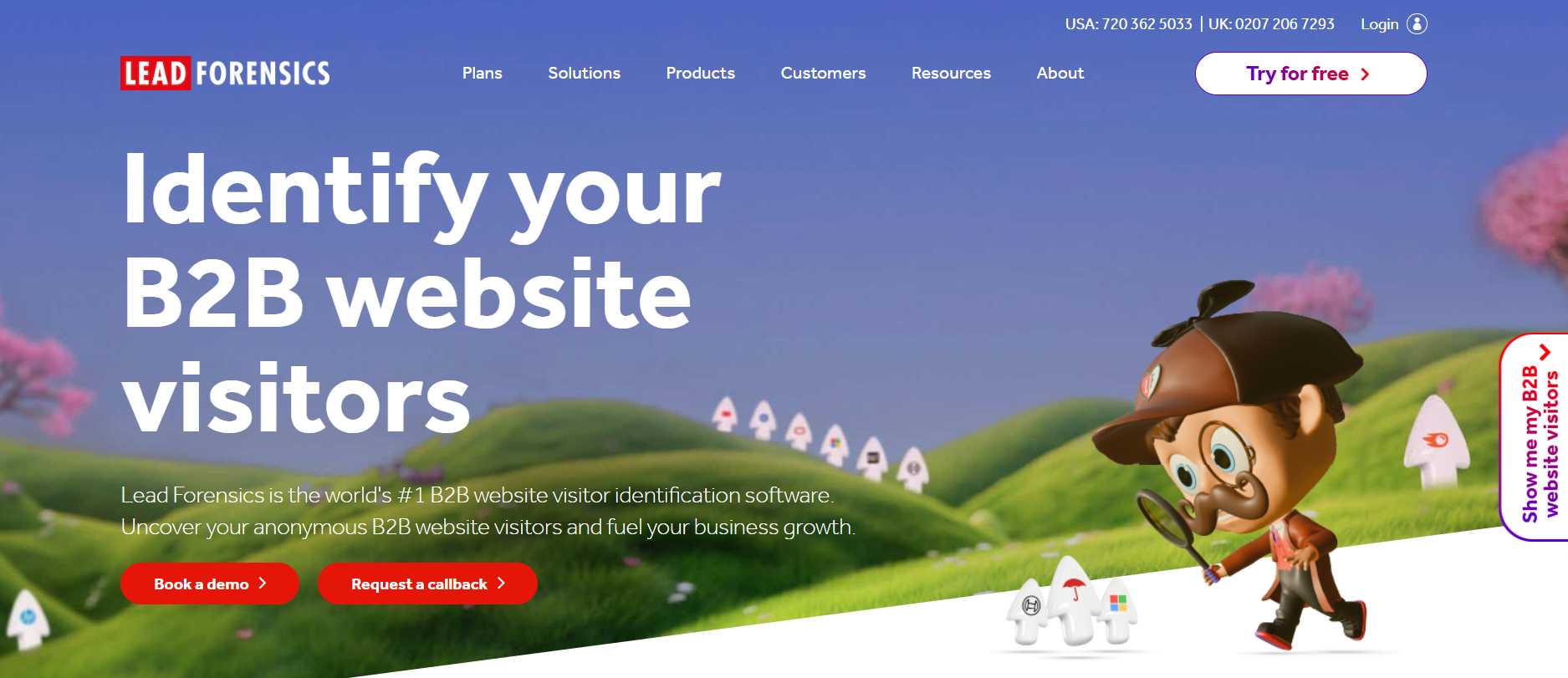
6. Lead Forensics - Better for high-volume visitor identification This image shows the Lead Forensics homepage Lead Forensics is a B2B website visitor identification tool that turns anonymous traffic into company data.
It takes your website traffic, matches IP data to companies, and pushes that into your system in real time.
What I liked is how consistent it is.
If you have traffic, it keeps identifying companies without much manual work.
But it’s still mostly company-level.
I could see which business visited, but not always the exact person behind it.
So for me, it worked more as a data layer, not a complete outbound solution.
Lead Forensics vs LeadInfo: Quick Comparison
Feature
Lead Forensics
Leadinfo
Core use case
Website visitor identification (data-heavy)
Website visitor identification
Data method
IP matching + proprietary database
IP matching
Data level
Company-level + some contacts
Mostly company-level
Real-time alerts
Yes
Yes
CRM integration
Strong (automation-focused)
Good
Ease of use
More data-driven
More UI-friendly
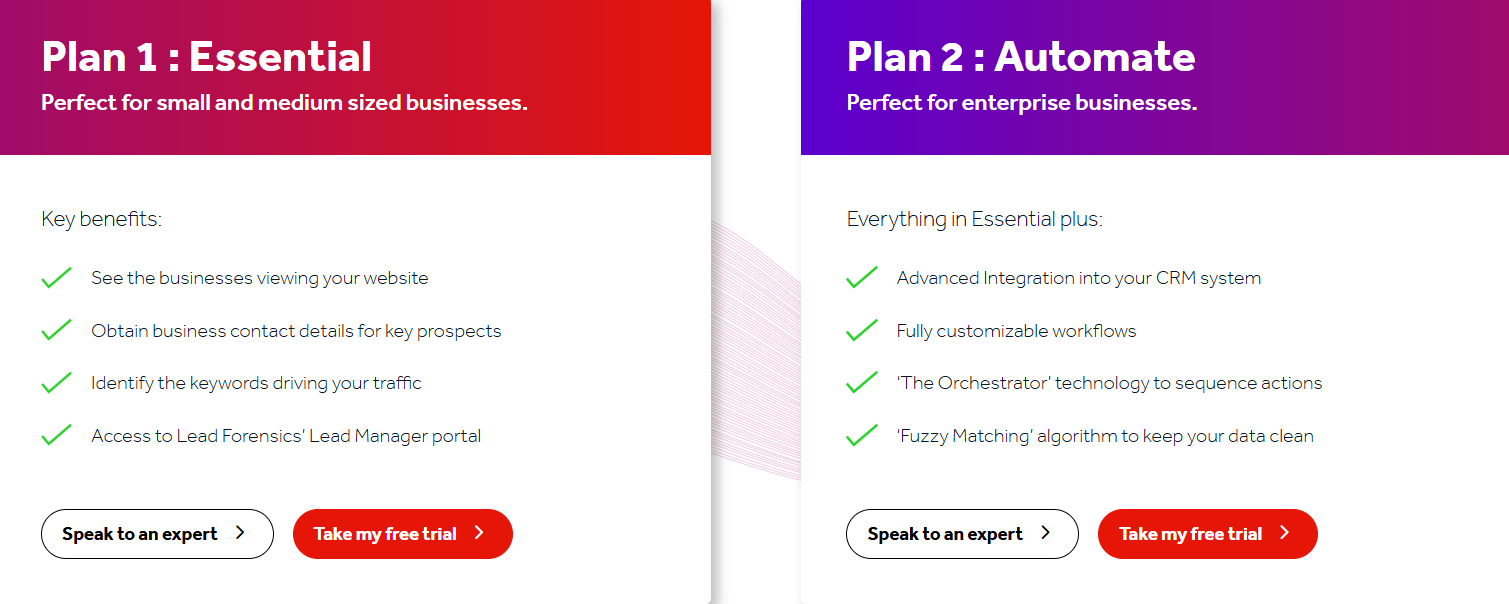
Pros of Lead Forensics Strong IP-to-company matching engine for high traffic sites Handles large volumes of visitors reliably Real-time alerts help sales act quickly Tracks repeat visits and engagement patterns Cons of Lead Forensics Still mostly company-level, not person-level data Requires setup to fully use CRM workflows Interface feels more functional than intuitive Data accuracy depends on IP quality (VPNs, remote work issues) No built-in outbound or enrichment layer Lead Forensics Pricing This image shows the Lead Forensics pricing Pricing is not public.
You need to request a demo.
From what I’ve seen, it’s:
mid to high pricing depending on traffic volume separate plans (Essential, Automate) based on features You’re paying for consistent visitor identification at scale.
7. Clearbit - Better for real-time data enrichment inside your CRM This image shows the Clearbit homepage Clearbit is a B2B data enrichment tool that fills in missing company and contact data automatically.
When I used Clearbit, it felt more like something that sits inside your stack and improves your existing data.
For example:
someone signs up → Clearbit enriches the record instantly you get company size, industry, tech stack, etc. your CRM becomes much cleaner and more usable It also has “Reveal,” which identifies companies visiting your site using IP data, similar to Leadinfo, but that’s not its core strength.
For me, Clearbit worked best when I already had leads and needed better context to qualify and route them.
Clearbit vs LeadInfo: Quick Comparison
Feature
Clearbit
Leadinfo
Core use case
Data enrichment + lead context
Website visitor identification
Data level
Contact + company enrichment
Mostly company-level
Website tracking
Yes (Reveal)
Yes
Strength
CRM data quality
Visitor identification
Use case
Improve existing leads
Discover new visitors
Pros of Clearbit Real-time enrichment improves CRM instantly Adds 100+ data points to each lead Helps with lead scoring and routing Works well with forms (shorter forms, more data) Strong fit if you already use HubSpot Cons of Clearbit Not a full visitor tracking tool like Leadinfo Doesn’t directly generate outreach-ready lists Works best only if you already have inbound leads Pricing is not transparent Clearbit Pricing Clearbit is no longer a standalone tool.
It now works as a HubSpot add-on (Breeze Intelligence).
Starts around $45–$50/month for 100 credits But you also need HubSpot → total minimum is ~$60–$75/month Credits reset monthly (no rollover) You’re not just paying for Clearbit. Y
ou’re paying for HubSpot + credits + usage.
So the real cost depends on:
how many leads you enrich which HubSpot plan you’re on If you’re already using HubSpot, it fits well.
If not, it becomes expensive very quickly.
8. CommonRoom - Best for unifying buying signals across channels This image shows the CommonRoom homepage CommonRoom is a customer intelligence platform that brings all your buying signals into one place.
Instead of only tracking website visitors, it tracks signals from:
product usage website visits social activity community (GitHub, Slack, etc.) Then it ties everything back to a single person and account using identity resolution.
What stood out to me is how it removes guesswork.
Normally, signals are scattered across tools.
Here, everything is unified, scored, and pushed to your team as “who to contact next.”
It also uses AI agents to:
capture signals enrich data and trigger outbound actions So instead of manually researching accounts, you’re working from a ready list of high-intent prospects.
For me, this felt less like tracking and more like decision-making support for GTM teams.
Common Room vs LeadInfo: Quick Comparison
Feature
Common Room
Leadinfo
Core use case
Signal aggregation + pipeline intelligence
Website visitor identification
Data level
Person + account (identity resolution)
Mostly company-level
Intent signals
Multi-source (1st, 2nd, 3rd party)
Website behavior only
Lead generation
Yes (signal-based prospecting)
Limited
Automation
AI agents for scoring + outbound triggers
Basic workflows
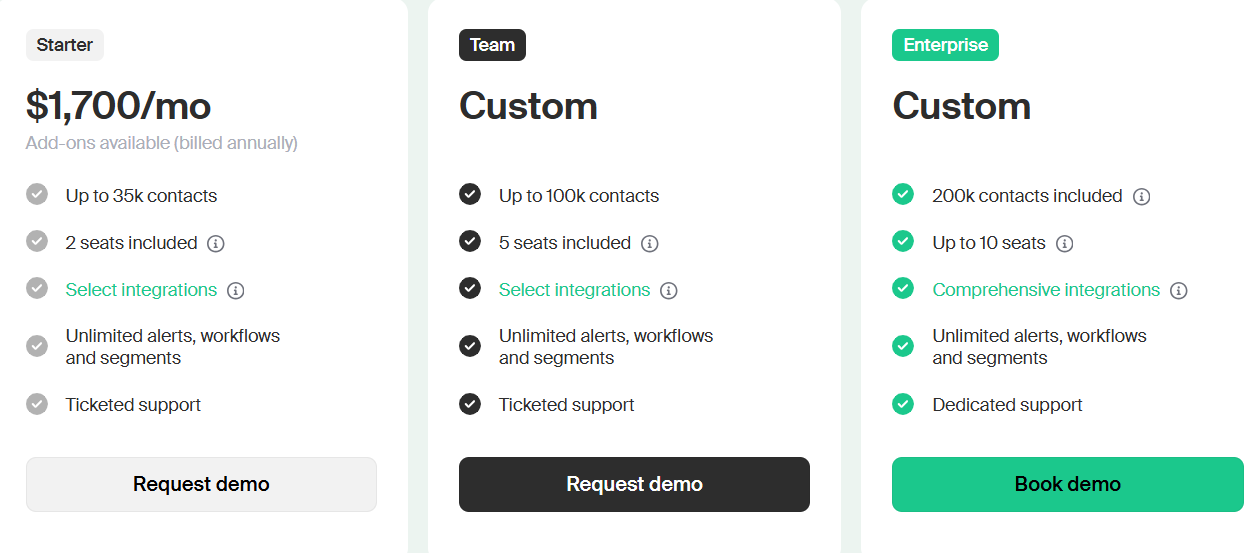
Pros of CommonRoom Combines all buying signals in one place (website, product, social, community) Strong identity resolution (connects signals → real person) AI-driven prioritization (who to contact next) Works well for PLG + community-led growth teams High-quality enrichment with waterfall matching Cons of CommonRoom Pricing tied to contacts + seats → unpredictable cost No built-in outreach (you still need Salesforge/Outreach etc.) CommonRoom Pricing This image shows the CommonRoom pricing CommonRoom pricing is not public.
You need to request a demo.
You’re paying for signal aggregation, enrichment and prioritization
9. Albacross - Better for teams that want tracking and outreach in one place This image shows the Albacross homepage Albacross is a B2B website visitor identification platform with built-in outreach.
It picks up companies visiting your site, looks at their behavior and external signals.
It then tries to move them forward without you doing everything manually.
What I found different is that it doesn’t stop at showing data.
It actually tries to act on it.
For example, once a company shows intent, it can trigger email or LinkedIn sequences automatically.
So instead of exporting data and moving it into another tool, the next step already happens inside the same system.
That makes it useful if you don’t want to manage multiple tools.
But it also means you’re working within its limits, especially around contact credits and outreach flexibility.
Albacross vs LeadInfo: Quick Comparison
Feature
Albacross
Leadinfo
Core use case
Identify + auto-engage leads
Identify visitors
Data level
Company + limited contacts
Mostly company
Intent signals
On-site + off-site
Website only
Outreach
Built-in (email + LinkedIn)
Add-on / limited
Workflow
All-in-one
Multi-tool setup
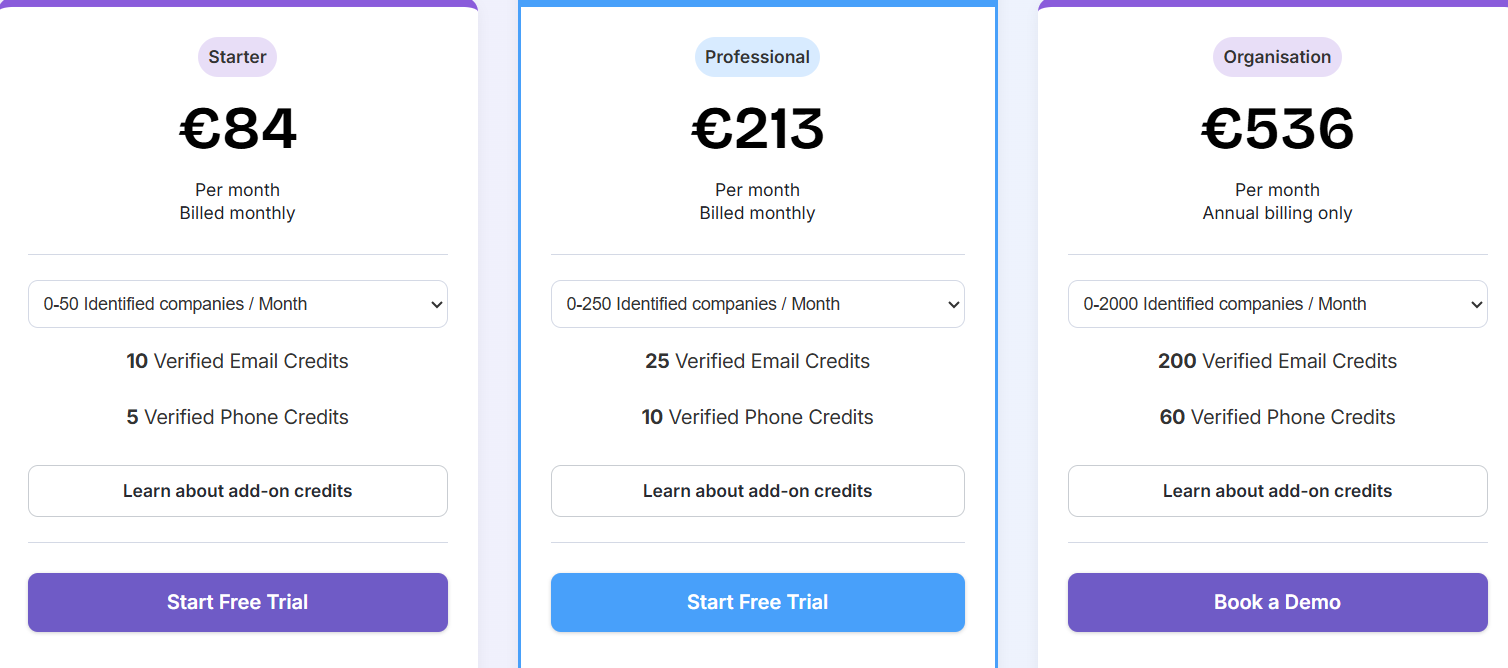
Pros of Albacross You don’t need a separate outreach tool Auto-engagement saves manual work Good intent segmentation (not just page views) Works well for small GTM teams without SDRs Cons of Albacross Contact data is still limited by credits Less control vs using separate tools Gets expensive as usage grows Not ideal if you only want clean tracking Albacross Pricing This image shows the Albacross pricing Here’s a quick look at Albacross pricing:
Starter: €84/month Professional: €213/month Higher plans: €500+/month But the real cost depends on how much you use it. Each plan limits:
how many companies you can identify how many emails and phone numbers you get So the base plan works only if your traffic is low.
For example, if your site gets consistent traffic, you’ll likely hit limits and need to upgrade quickly.
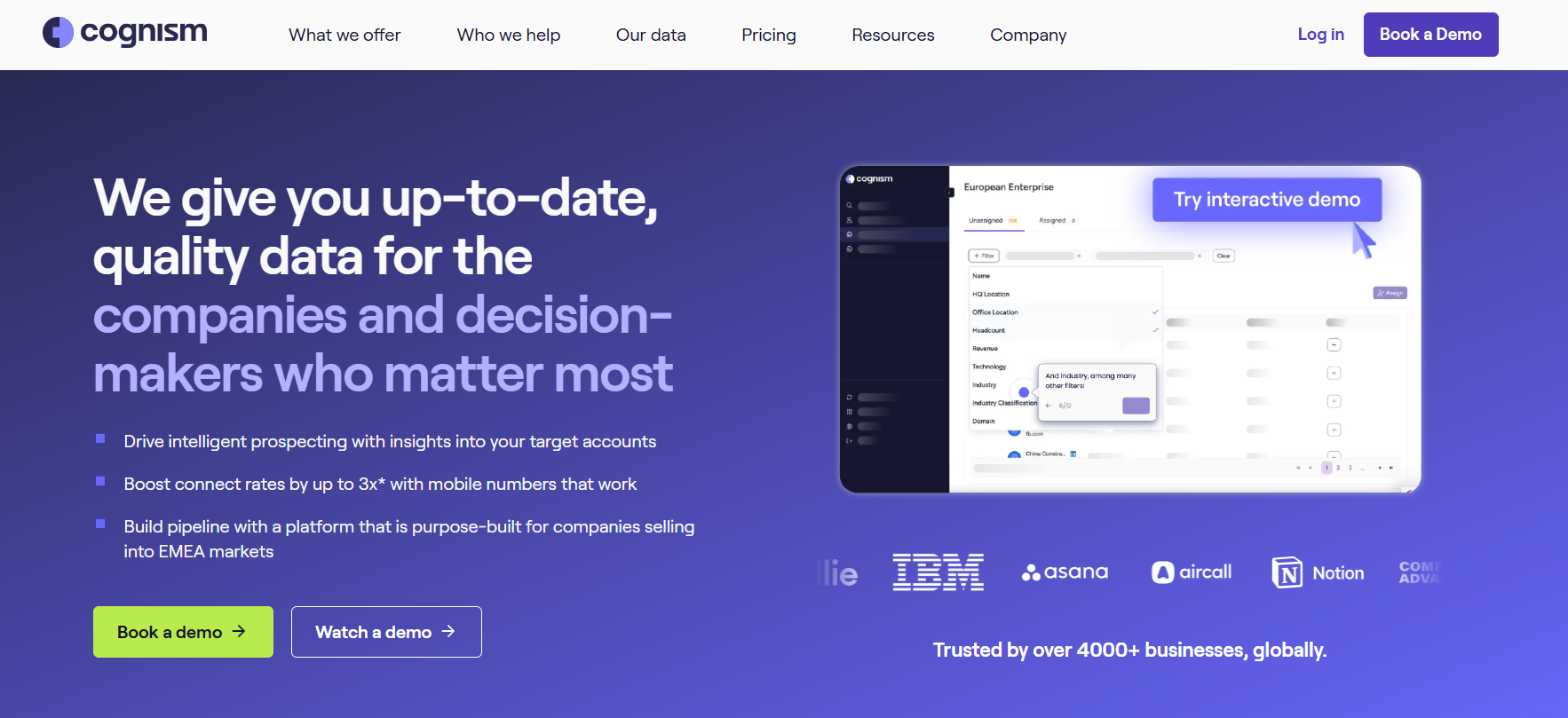
10. Cognism - Better for getting accurate contact data This image shows the Cognism homepage Cognism is a B2B data provider focused on verified contact data and compliance.
When I compared it with Leadinfo, the difference was obvious.
Leadinfo shows which companies are visiting your site.
Cognism gives you direct access to decision-makers inside those companies.
It provides emails, phone numbers, and signals, so you can actually reach out without guessing.
What stood out to me is the data quality.
Their “Diamond Data” is phone-verified, so you’re not just collecting contacts, you’re actually reaching people who pick up.
I found this especially useful when:
I already knew my ICP I didn’t want to depend only on inbound traffic I needed reliable contact data for outbound So instead of waiting for visitors, you can build pipeline proactively .
Cognism vs LeadInfo: Quick Comparison
Feature
Cognism
Leadinfo
Core use case
Contact data + sales intelligence
Website visitor identification
Data level
Contact-level (emails, phones)
Mostly company-level
Intent signals
Yes (hiring, funding, intent)
Website behavior only
Lead generation
Yes (database + prospecting)
Limited
Best for
Outbound teams
Inbound tracking
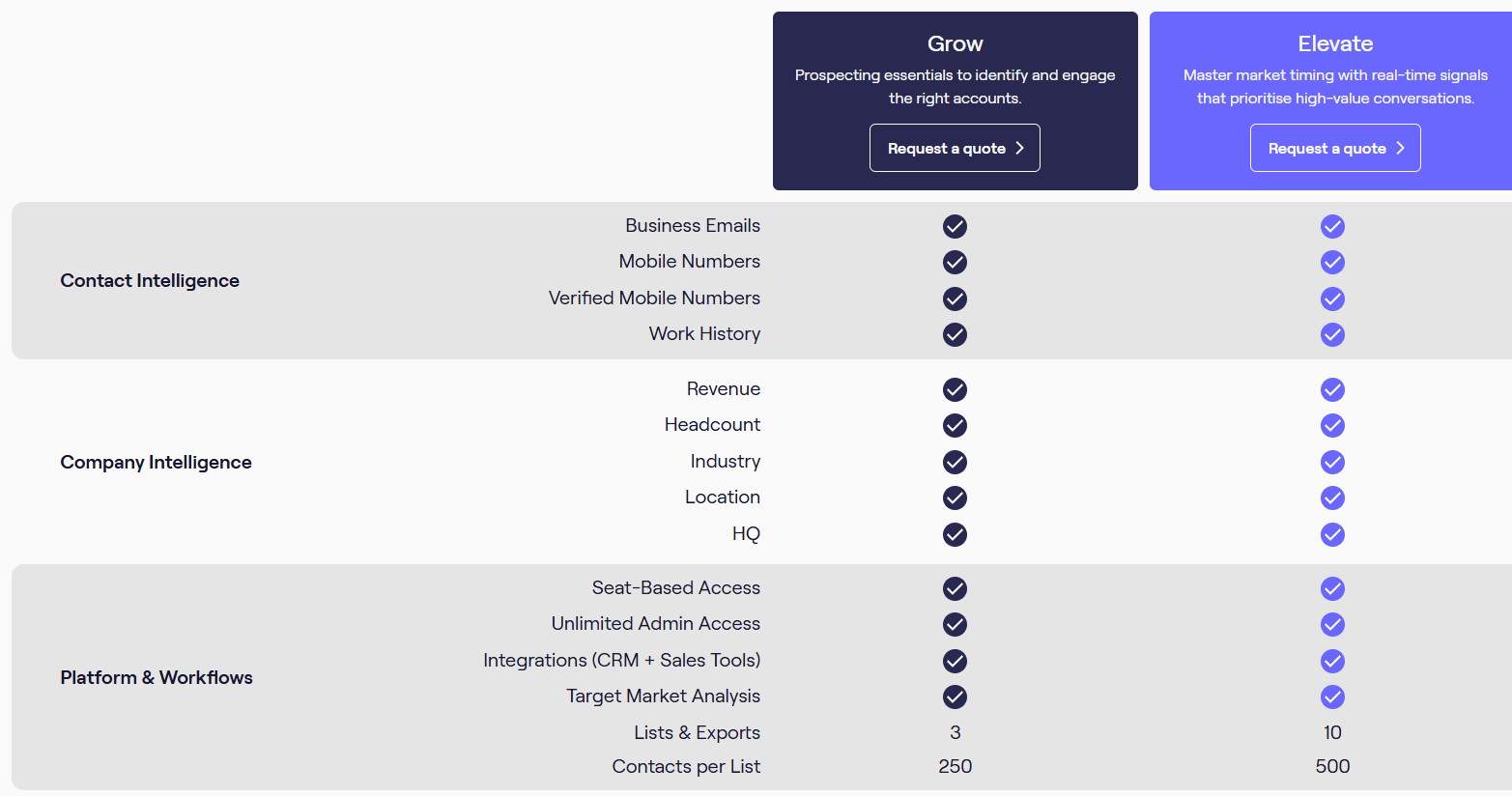
Pros of Cognism High-quality phone-verified contact data Helps reach actual decision-makers, not just companies Includes signals like hiring, funding, intent GDPR-compliant data sourcing Cons of Cognism No website visitor tracking (doesn’t replace Leadinfo) Pricing is high and not public Works best only if you already know your ICP No built-in outreach (needs another tool) Cognism Pricing This image shows the Cognism pricing Cognism doesn’t show pricing publicly.
You need to talk to sales.
It’s positioned as a premium data provider.
If bad data is your problem, it’s worth it.
But if you’re just starting or testing, it’s probably too expensive.
Personalized Outbound Strategy
Get The Right Outbound Strategy In Minutes
Enter your email to get a custom plan & stack recommendation for your
business
It's being carefully crafted by AI
Please check your mailbox in 5 minutes
Which Leadinfo Alternative Should You Choose? The right alternative depends on what you’re trying to fix.
For better tracking → Leadfeeder, Lead Forensics For intent + signals → 6sense, Warmly, Common Room For contact data → Cognism, ZoomInfo But most tools stop at insights.
You still need to find contacts and start outreach.
That’s where Leadsforge stands out.
Instead of waiting for visitors, you can define your ICP and start reaching out with ready-to-use data.
If your goal is not just to track visitors but to actually build pipeline, Leadsforge is worth trying.
Sign up for Leadsforge and get 100 free credits!